BLACKWOOD Controls
What Steam confirms, what trailers show, and what we will not invent.
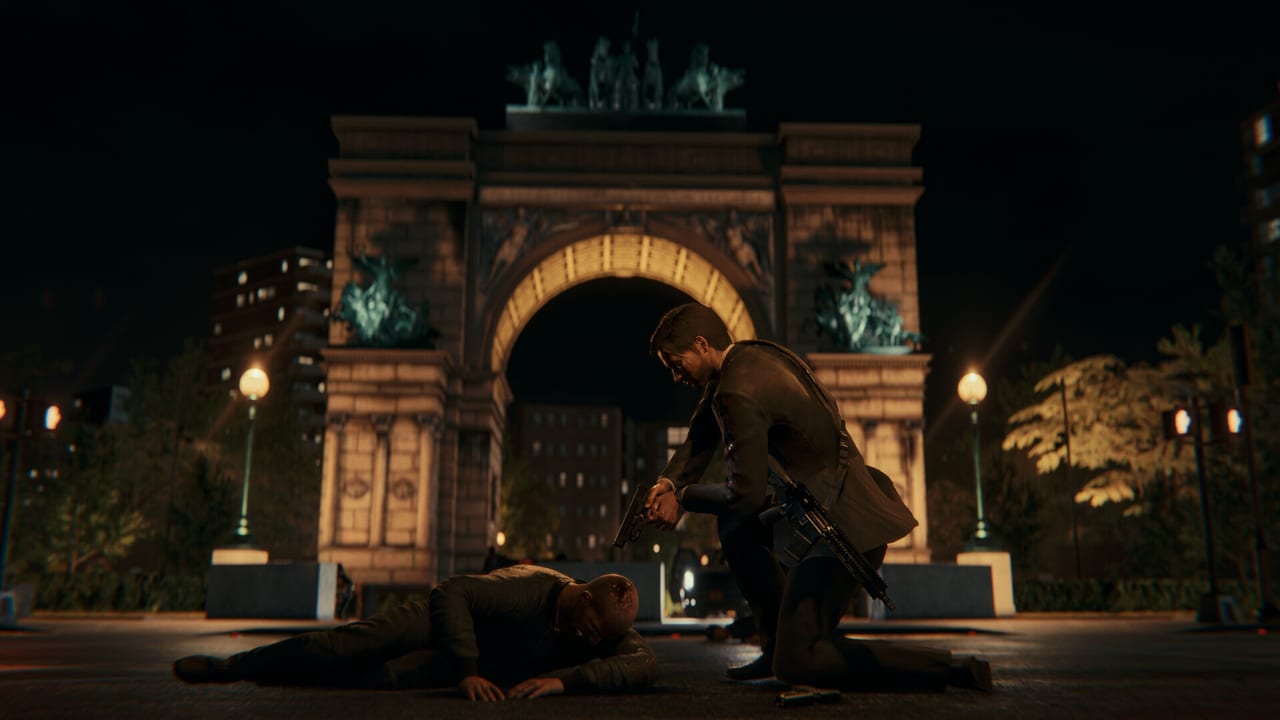
BLACKWOOD has not published a public keybind table before launch. This page records what the Steam listing and official videos actually confirm, then tells you how to think about the action set so you are not guessing at fake F-keys. When Act 1 ships on September 16, 2026, we will replace the “typical layout” notes with the shipping menu. Until then, treat every specific key here as an expectation, not a fact. For how those actions play, use combat. For the day you are controlling, use Getting Started.
What Steam already guarantees
The store page lists:
- Full controller support
- Xbox controller support
- DualSense controller support (including a USB-only DualSense category on SteamDB’s breakdown)
- Camera comfort
- Custom volume controls
- Stereo and surround sound options
- Subtitle options
- Adjustable difficulty
That package is the accessibility floor. If you need reduced camera motion, you should find a camera comfort toggle. If you need readable dialogue in a noisy 2012 club scene, subtitles are a first-class option, not a forgotten extra. Custom volume matters in a game that jumps from a quiet DVD counter to gunfire in one day.
Keyboard and mouse are not listed as missing. This is a Windows Steam shooter; expect a full mouse-look scheme on PC even though the marketing screenshots lean on a controller-friendly third-person camera. We will not claim remapping exists until the options menu is public. Many modern PC action games remap. That is still not a BLACKWOOD fact today.
Action set from official footage
Trailers and developer walkthroughs show a consistent verb list. You should be able to do all of the following in Act 1:
- Aim and fire a firearm
- Reload (including a physical magazine check on the highest difficulty experiment)
- Melee strike and chain into contextual takedowns
- Dive, roll, and slide
- Take cover and leave cover
- Interact with shop objects, doors, and conversation prompts
- Open inventory, weapon customisation, and shop management screens
- Pause / options
The melee overview is the best video for close-range timing: dodge, parry-like responses, and the emphasis on hits lining up with the enemy. The gameplay trailer on Getting Started is the best video for gun-and-move. Neither video prints a button legend we can copy.
If you are on DualSense, expect adaptive-trigger experiments only if the shipping build enables them. Steam listing DualSense support does not automatically mean every trigger effect from a first-party Sony game. Do not buy a pad solely for a feature that has not been demonstrated.
Suggested PC habits (not official binds)
Until the studio publishes a chart, a standard third-person shooter mapping is the safe way to set your muscle memory:
- Mouse look and right-mouse aim
- Left-mouse fire
- Shift for a short dodge or sprint depending on how the build treats rolls versus slides
- Q or a side mouse button for melee / takedown when the prompt appears
- R reload
- WASD move
- E interact in the shop and world
- Tab or I for inventory and gunsmith
- Esc pause
That list is a training scaffold. If BLACKWOOD uses different keys, the in-game prompt wins. Do not unlearn a prompt because a wiki table was prettier.
On controller, a typical layout is look on the right stick, move on the left, triggers for aim and fire, bumpers for weapon or melee, face buttons for interact, reload, and crouch or slide. Again: typical, not ripped from a BLACKWOOD manual.
Difficulty, HUD, and the ammo check
Adjustable difficulty is confirmed. On the highest setting the developers have shown a mode where the ammo count is not always visible, so Anton inspects the weapon. That is a control issue as much as a combat issue. You need a comfortable inspect / reload input if you play that mode. Lower difficulties should keep more HUD. Confirm the labels in the options screen on day one rather than copying a YouTube overlay from an old build.
Camera comfort is listed. If third-person dives make you sick, turn that on before you raise difficulty. A cinematic camera that “helps hits connect” (their melee talk) can also be a motion problem. Use the comfort toggle early, not after a failed night.
Shop and menu controls
Daytime is not the same as a firefight. Store management needs precise menu work: restock, pricing, checkout. Play the shop on mouse if your pad cursor is slow. Play the nights on whichever device you aim better with. Nothing in the official materials forces one device for both halves, and Steam’s full controller support implies the menus are pad-reachable even if they are happier with a mouse.
Keep volume sliders separate in your head: dialogue at the counter with Amelie, gunshots at night, and music that leans on that Drive-era mood the trailers chase. Custom volume exists so you can hear a customer without muting a reload.
After launch
This page will gain a real table: keyboard defaults, Xbox layout, DualSense notes, and whether the inspect animation is bound to reload or a separate control. We will not invent that table to look finished. For now, the useful work is knowing the verb list, turning on camera comfort if you need it, and reading combat so the verbs mean something.
If you are still choosing hardware, 16 GB of RAM and an SSD are the PC requirements that actually gate play — see system requirements. A fancy pad will not fix a hard drive stutter in a takedown camera.
Frequently Asked Questions
Quick answers to the most common questions.
Are official keybinds published?
Not as a public chart before launch. This page lists confirmed features and a typical shooter scaffold. The in-game menu will override anything here after September 16, 2026.
Can I play BLACKWOOD on a controller?
Yes. Steam lists full controller support, Xbox controllers, and DualSense. Keyboard and mouse remain the expected PC option.
Is there a camera comfort option?
Yes. Camera comfort, custom volume, subtitles, and adjustable difficulty are all listed on Steam.
Where do I learn what the buttons are for?
Read combat for takedowns, dives, and staged health. Use this page for devices and accessibility. Getting Started ties both to the day loop.